




Piperspin App
The Piperspin app uses Progressive Web App technology to add direct mobile access to a device’s home screen. It opens in a standalone window and connects to the same account and balance used on the main website. Game access and the payment area also remain within one shared platform. Players can enter the casino through a standard mobile browser without installing a shortcut, and both access methods keep account information synchronized.



Piperspin Mobile Casino
We provide two ways to use the mobile platform. The browser version opens through an updated mobile browser, while the home-screen version launches from an icon after a short PWA installation. The underlying service remains the same in both cases, so users receive the complete mobile catalog through their regular account.
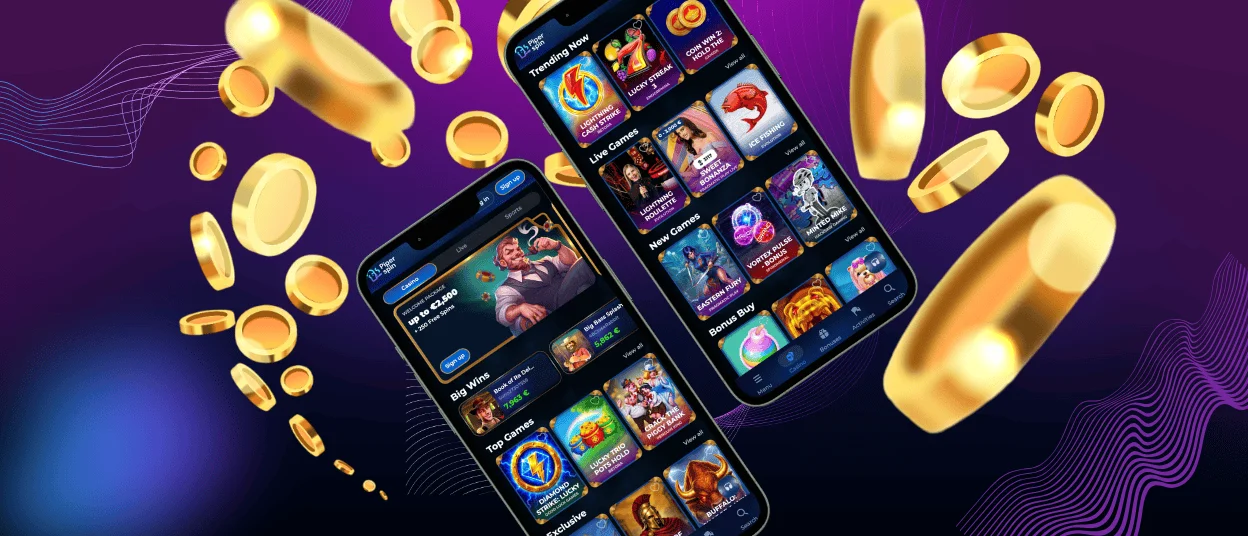
The mobile interface adapts navigation and game panels to a smaller display. It also restructures account controls and a wallet for touch input. The same menu covers online slots and table games. Live dealer titles and jackpot games use the responsive layout, while tournaments and account tools are still available on mobile. The account area shows the current balance and active promotions. It also keeps transaction history and personal settings accessible.
Piper Spin mobile access supports cross-device continuity. A session started on a phone uses the same credentials and account records as a session opened later on a computer. Deposits and bonus progress carry over automatically. Completed activity appears in the same profile without a manual transfer. The PWA uses limited storage because game content loads through the web instead of being stored as a large application package.
A live connection supports gameplay and financial operations. The shortcut reduces the number of steps needed to open the platform, while casino functions continue to operate online. Users who prefer direct browser access can keep using the mobile website with the same core functions.
Mobile Application for Android
Android installation uses the browser’s built-in home-screen function. Chrome provides the most consistent setup path and keeps the process inside the browser, so members retain their current device security settings throughout installation.
- Open the casino website in Chrome.
- Tap the three-dot menu in the upper-right corner.
- Select “Add to Home screen.”
- Confirm the displayed name and tap “Add.”
- Open the new icon to launch the mobile platform in a standalone window.
After installation, the Piperspin app icon works as a direct entry point to the same website environment. Existing users sign in with their regular email and password, and the app keeps all current account data connected to the central profile.
Piperspin APK
The Android version uses Chrome’s PWA installation route. The browser creates a lightweight home-screen application and loads the current platform version whenever it opens. Installation therefore stays within the familiar browser interface, with no changes to file-access permissions.
Updates also run through the website. Any released interface changes or account functions load during the next session. Users receive the current build without monitoring version numbers or completing a separate update procedure.
Mobile Application for iOS
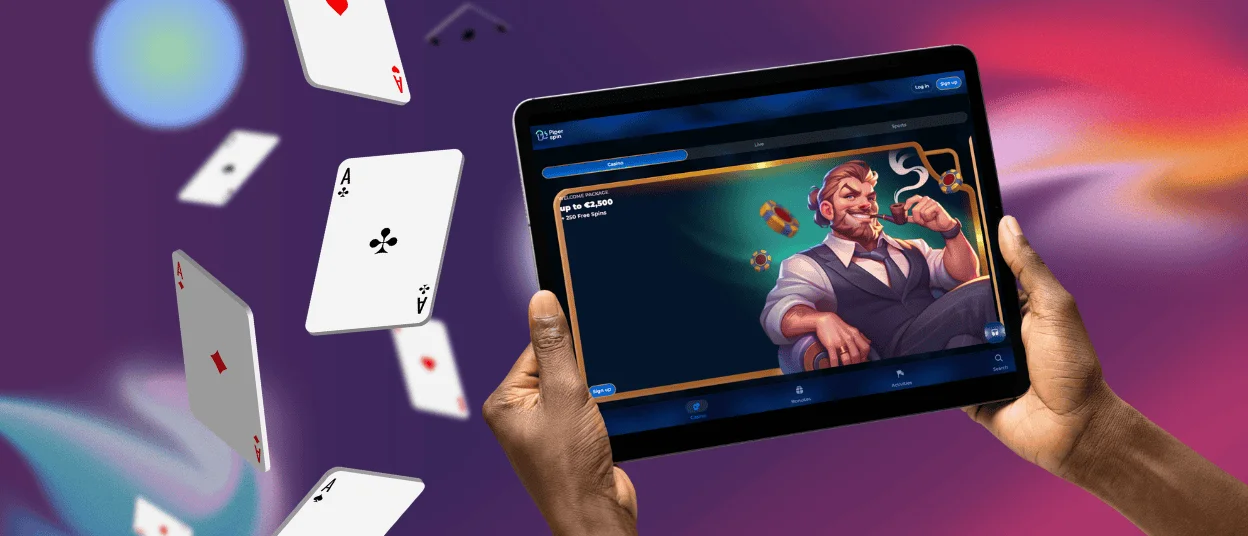
The iOS home-screen installation uses Safari. Piper Spin opens through the same account system after the shortcut is created, and the icon launches the platform without the standard browser controls around the page.
- Visit the website in Safari.
- Tap the Share button in the browser toolbar.
- Choose “Add to Home Screen” from the available actions.
- Edit the shortcut name when needed and confirm the addition.
- Tap the new icon to open the mobile platform.
The shortcut needs little local space because the platform continues to load through the web. Users can also open the site in another modern browser without adding the icon, although Safari handles the home-screen installation itself. An existing account becomes available after sign-in. The current balance and history remain linked to the profile, and settings and promotional progress stay synchronized.
Piperspin Casino Application for Windows and macOS
Desktop access runs fully in a current browser. Users open the website, enter their account details, and work with the same profile that appears on mobile. A saved browser link or desktop shortcut can provide faster return access without changing the account structure.
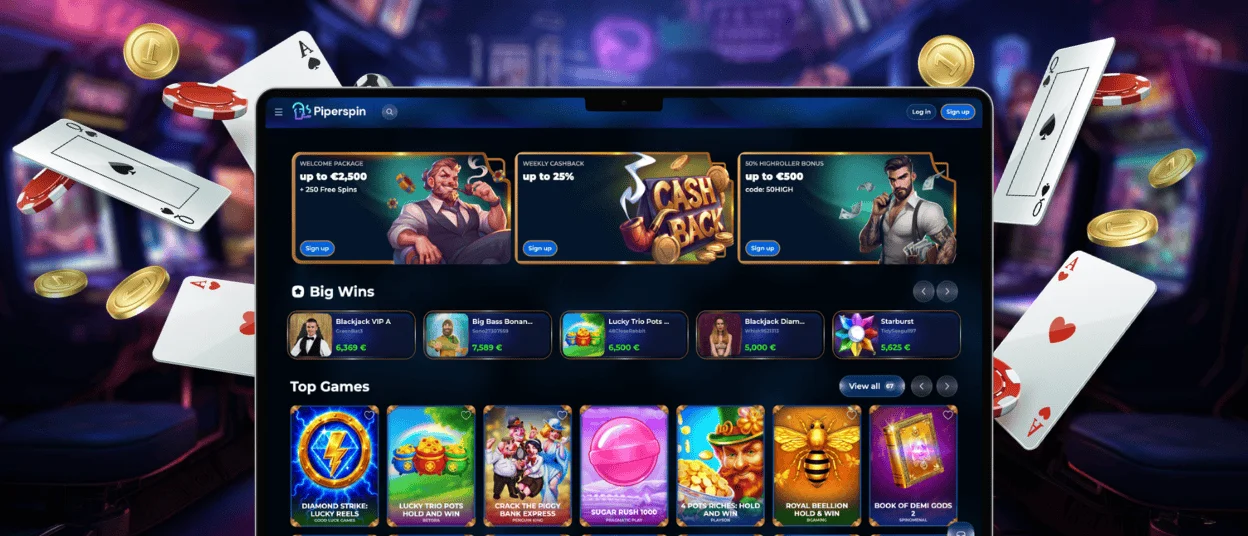
The larger display gives more space for browsing the games and viewing live tables. The wallet and detailed promotion terms are also easier to review on a wider screen. When you open the Piperspin app later on a phone or tablet, it reflects any account changes you made on a desktop. We store the relevant profile data within one account instead of tying it to a particular device.
Desktop and mobile access use the same game results and balance records. Promotion conditions also remain connected to the shared platform. Both layouts connect to one game engine and reward system, while the interface adjusts to the available screen.
Device Compatibility
Modern browser support is the main technical requirement. The following table shows how each device type connects to the platform and how the home-screen option works.
| Device or platform | Recommended access method | Home-screen or shortcut setup | Update process | Account connection |
| Android phone or tablet | Chrome mobile browser | Browser menu, then “Add to Home screen.” | Website release loads when the icon opens. | Shared login with current balance and activity. |
| iPhone or iPad | Safari for PWA installation | Share menu, then “Add to Home Screen.” | Safari opens the current platform version. | Profile data remains synchronized. |
| Windows computer | Updated desktop browser | Saved bookmark or pinned desktop link. | Browser retrieves the latest web release. | Mobile and desktop use one account. |
| macOS computer | Updated desktop browser | Browser bookmark or desktop shortcut. | Current web release opens automatically. | The same profile works across devices. |
Device model matters less than updated browser support, a stable connection, and enough free space for a lightweight shortcut and temporary browser data. When members change devices, their account records become available automatically.
Mobile Security and Account Continuity
The PWA opens the same protected website session used by the browser version. Login credentials and account controls therefore follow one security structure across mobile and desktop access. Transaction pages use that same structure. Installing the shortcut keeps account information within the shared platform instead of creating an independent local database.
The home-screen version requests only the permissions connected to normal browser operation. Push notifications can be enabled for promotion reminders and tournament updates. Users control this setting through the device notification panel. Core access works without a contact list or photo-storage permissions.
Removing the shortcut deletes the icon from the device while the registered account remains active. The balance and activity records stay linked to the user profile. Bonuses and saved settings also remain available through any supported browser. You can add Piper Spin to more than one personal device because the account stores the relevant information centrally.
FAQ
Is customer support available in the Piperspin Casino app?
Yes, the mobile interface provides access to live chat through the same support area used on the website. Our support team can review account access and payment questions. It also handles verification and game navigation from either mobile or desktop sessions.
Do I need an account to use the Piperspin app?
The shortcut can open the platform before sign-in, but an account is required to access a balance and complete payments. Bonus tracking and saved activity also depend on the registered profile. Existing members use the same login details on every supported device, and one registration covers both mobile and desktop access.
Are all games available in the app?
The mobile platform features the same core selection of games as the website. Players can access slot machines and table games through a responsive interface. The app also includes live dealer games and jackpot games, and the tournament sections remain synchronized with the main platform.
How can I update the Piperspin Casino app?
The PWA loads the current website version each time it opens. Updates take effect through the server, so the latest release reaches users without a replacement package or manual version confirmation. Closing and reopening the icon starts a fresh session with the current build.
Does deleting the shortcut remove my account?
Deleting the icon only removes the local entry point from that device. Account funds and history remain connected to the registered profile. Settings and promotional progress become available again after the next browser login.


